Where This Guide Comes From
Otter.ai is a live-transcription and note-summarizing tool. Everything described here reflects capabilities you can observe in the app, used as a reference case for what an AI note summarizer actually does for someone studying from audio or video.
What an AI Note Summarizer Like Otter.ai Does
An AI note summarizer takes audio or video and produces three things: a live transcript, a structured summary, and caption files in SRT format. That solves a problem every self-directed learner hits. Sit through a lecture, podcast, or webinar and you either take notes in real time, which pulls your attention off the content, or you record it and end up with hours of material you never revisit.
Otter transcribes as people speak, turning words into text while the session runs. Each recording is a “conversation” in Otter’s vocabulary, and one conversation can hold multiple speakers, each labeled and timestamped. Once you stop recording, Otter reorganizes the raw transcript into a summary sorted into categories, so the main points surface without a full read-through.
How the Recording Workflow Works
Press Record and Otter starts transcribing. It keeps running in the background through long sessions like a two-hour lecture or a workshop, capturing the whole thing without you touching it again.
That background behavior is the part that matters for passive capture. You start Otter when the session begins, focus on what is being said, and stop it at the end while the app processes the full transcript.
Identifying Multiple Speakers
When a lecture opens into Q&A, or you record a group study session, Otter transcribes each speaker and attaches labels and timestamps. Speaker labels do two jobs: they keep a crowded transcript readable, and they let you trace a specific claim back to who made it and when.
For studying alone, that means jumping straight to the stretches where the instructor was talking instead of scrubbing through forty minutes of discussion.
Turning Transcripts Into Structured Summaries
Every processed conversation gets a Summary tab. Otter pulls out key points and sorts them into categories, so instead of opening a 10,000-word transcript you open a condensed version organized by topic.
Those summaries travel. Copy the structured notes out of Otter and paste them into a text editor, a word processor like Microsoft Word, or a note-taking app, which matters if your study system lives somewhere other than Otter.
Summary entries also link back to the exact point in the original recording. Click a line and the audio jumps to that moment, so verifying a detail takes a second instead of a hunt through the timestamp list.
Sharing Conversations With Others
Otter lets you share a conversation with other people: meeting attendees, a study partner, a group working through the same material. Whoever you share with sees the notes, action items, and images attached to that conversation, while any private notes you wrote stay yours and never appear in the shared copy.
Solo learners reach for this rarely, though it earns its place when two of you are working through the same lecture series and one person missed a session.
Pricing for Heavy Content Creators
Otter offers a paid tier built for content creators who generate SRT subtitle files in volume. If you export captions for a steady stream of videos, that plan is the one aimed at you.
Light use is a different calculation. Casual note-taking may never push past what the free tier covers, while a large recurring pile of audio and video pushes the math toward paying.
Converting Otter Summaries Into Spaced-Repetition Study Material
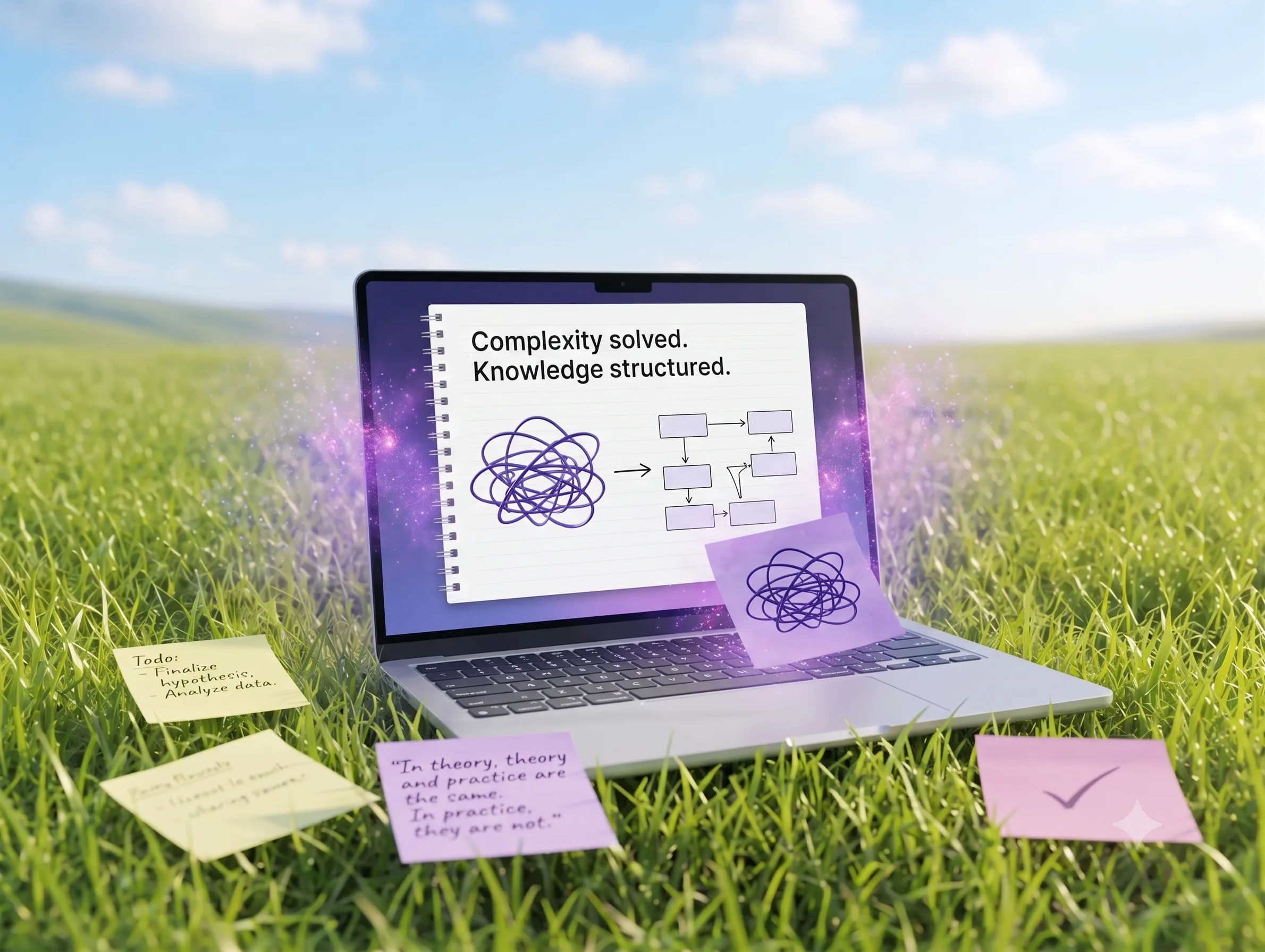
A transcript is raw material, not knowledge. Otter does the mechanical half: audio in, structured summary out. Fluxo takes it from there and turns what you write into review material that comes back on a schedule.
The flow looks like this in practice:
Step 1: Record and Summarize. Let Otter run through the lecture or webinar and capture the transcript and summary in the background.
Step 2: Write the note. Paste Otter’s summary into a rich-text note in Fluxo, inside a topic and space you set up. Trim it, add your own commentary, mark what you actually need to remember.
Step 3: Generate review material. Fluxo’s AI builds flashcards, quizzes, and summaries from the note you wrote, so the questions match your material rather than a generic deck.
Step 4: Space the reviews. Fluxo schedules those cards and quizzes over time and resurfaces a topic before it fades, which beats rereading everything at random.
Step 5: Keep the habit. Streaks and a companion mascot carry the boring middle stretch, and the reviews stack up across weeks instead of dying after day three.
The gap this closes is specific. Lectures and webinars generate plenty of raw material, and turning that material into something you can be quizzed on is the slow manual step most people skip. Otter handles transcription and summarization, Fluxo turns your written notes into active recall, and spacing does the retention work.
Speaker labels and timestamps pay off here too. When you miss a quiz question, the summary line that produced it points back at the moment in the recording where the topic was covered, so you listen once and return to reviewing.
Beyond Lectures: Using Otter With Different Content Sources
Podcasts, interviews, webinars, recorded talks: the workflow does not change. Any audio or video source can be recorded, transcribed, summarized, and then turned into flashcards and quizzes through the notes you write in Fluxo.
If you get most of your input through headphones, this is the difference between listening and learning. A podcast you finish on Tuesday becomes a transcript and summary within minutes, a note you write the same day, and review material that keeps surfacing weeks later.
Making the Audio You Already Consume Stick
Right now the manual version of this costs you an evening. You scrub through a recording looking for the part you half-remember, retype it into a document, then write flashcards by hand until you lose patience and stop at card twelve. Most people abandon the process there and go back to hoping they remember.
Compare that with pasting a summary into a note, adding a few lines of your own, and getting a set of flashcards and quizzes back that come around again next week without you scheduling anything.
Fluxo organizes your notes into spaces and topics, generates flashcards, quizzes, and summaries from what you have written, schedules the reviews with spaced repetition, and suggests topics worth exploring next. It will not write the notes for you, and there is no library of ready-made decks to download: you do the learning, and the note you write is the source of everything it generates.